new-17%
Microphones
StreamMic Mini4.8(412)
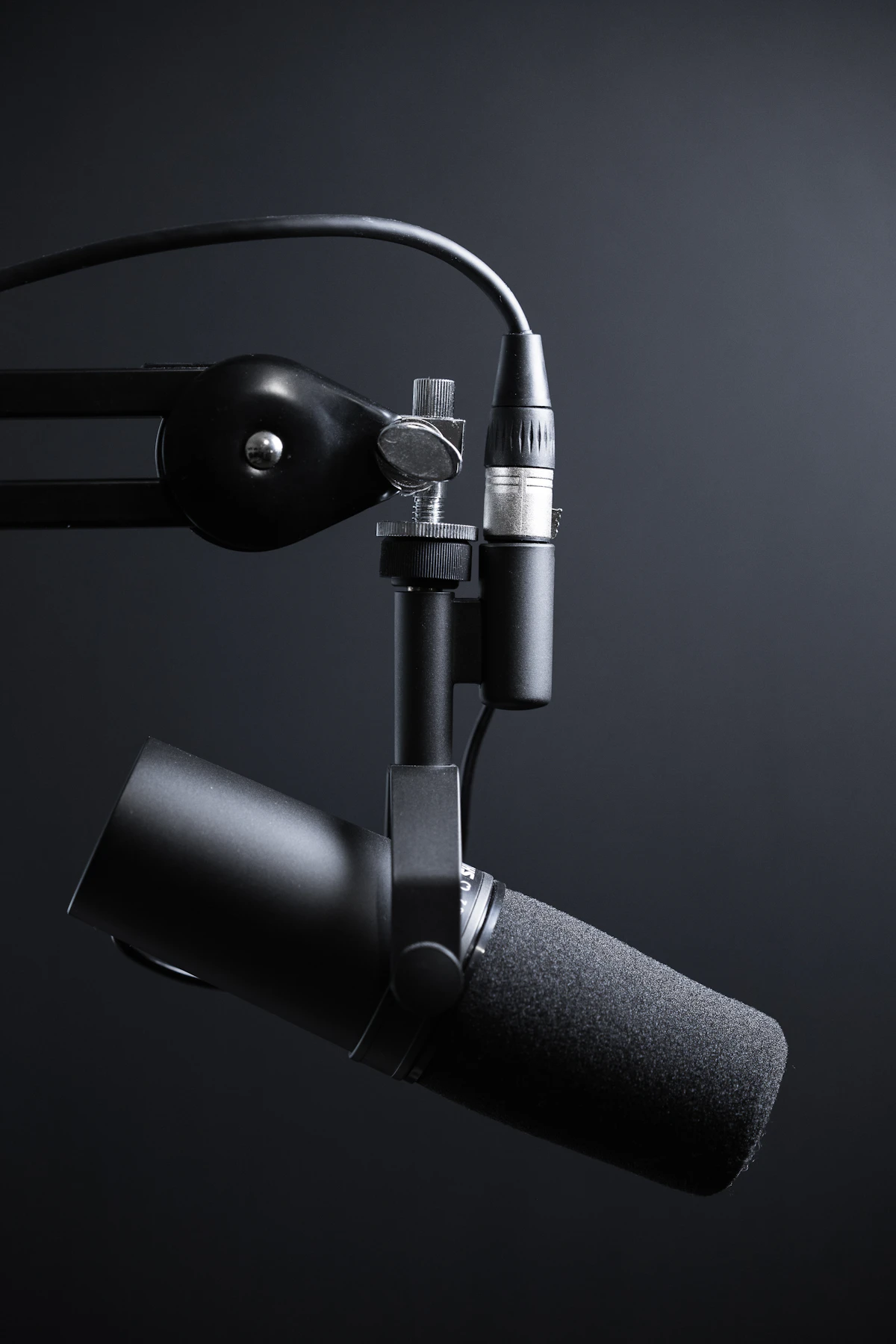
USB-C condenser microphone with 24-bit/96kHz capture and three polar patterns.
$149.00$179.00
USB-C vs XLR, polar patterns, sample rates, and the accessories that matter.
This guide covers USB-C vs XLR, polar patterns, sample rates, and the accessories that turn a decent mic into a great one.
USB-C mics (StreamMic Mini, Pro X) plug directly into your PC. XLR mics require an audio interface but offer better noise floor and upgrade paths. The StreamMic Pro X supports both.
Cardioid for solo streaming. Omnidirectional for roundtable. Bidirectional for interviews. Both StreamMic Mini and Pro X offer switchable patterns.
24-bit / 96kHz is broadcast standard. 32-bit float (StreamMic Pro X) is the upgrade — clipped takes are recoverable in post.
Shock mount, pop filter, and boom arm are non-negotiable for serious streaming. Both StreamMic models include shock mounts and pop filters.
Our pick: StreamMic Mini for $149 to start. StreamMic Pro X for 32-bit float and XLR upgrade path.
USB-C condenser microphone with 24-bit/96kHz capture and three polar patterns.

32-bit float USB-C/XLR microphone with onboard DSP and 4 polar patterns.