
Choosing a streaming microphone is the single biggest audio upgrade you can make. This guide covers the four decisions that matter: connection type, polar pattern, sample rate, and accessories.
USB-C vs XLR
USB-C microphones plug directly into your PC with no interface required. The StreamMic Mini and StreamMic Pro X are both USB-C. XLR microphones require an audio interface but offer better noise performance and upgrade paths. The StreamMic Pro X supports both USB-C and XLR via an included adapter.
Polar patterns
Cardioid captures sound from the front and rejects sound from behind — perfect for solo streamers in untreated rooms. Omnidirectional captures everything equally — good for roundtable podcasts. Bidirectional captures front and back — ideal for interviews. The StreamMic Mini and Pro X both offer switchable patterns.
Sample rate
24-bit / 96kHz is the broadcast standard. 32-bit float at 192kHz (StreamMic Pro X) captures a wider dynamic range that can be recovered in post — meaning a clipped take is salvageable. For most streamers, 24-bit is plenty.
Accessories that matter
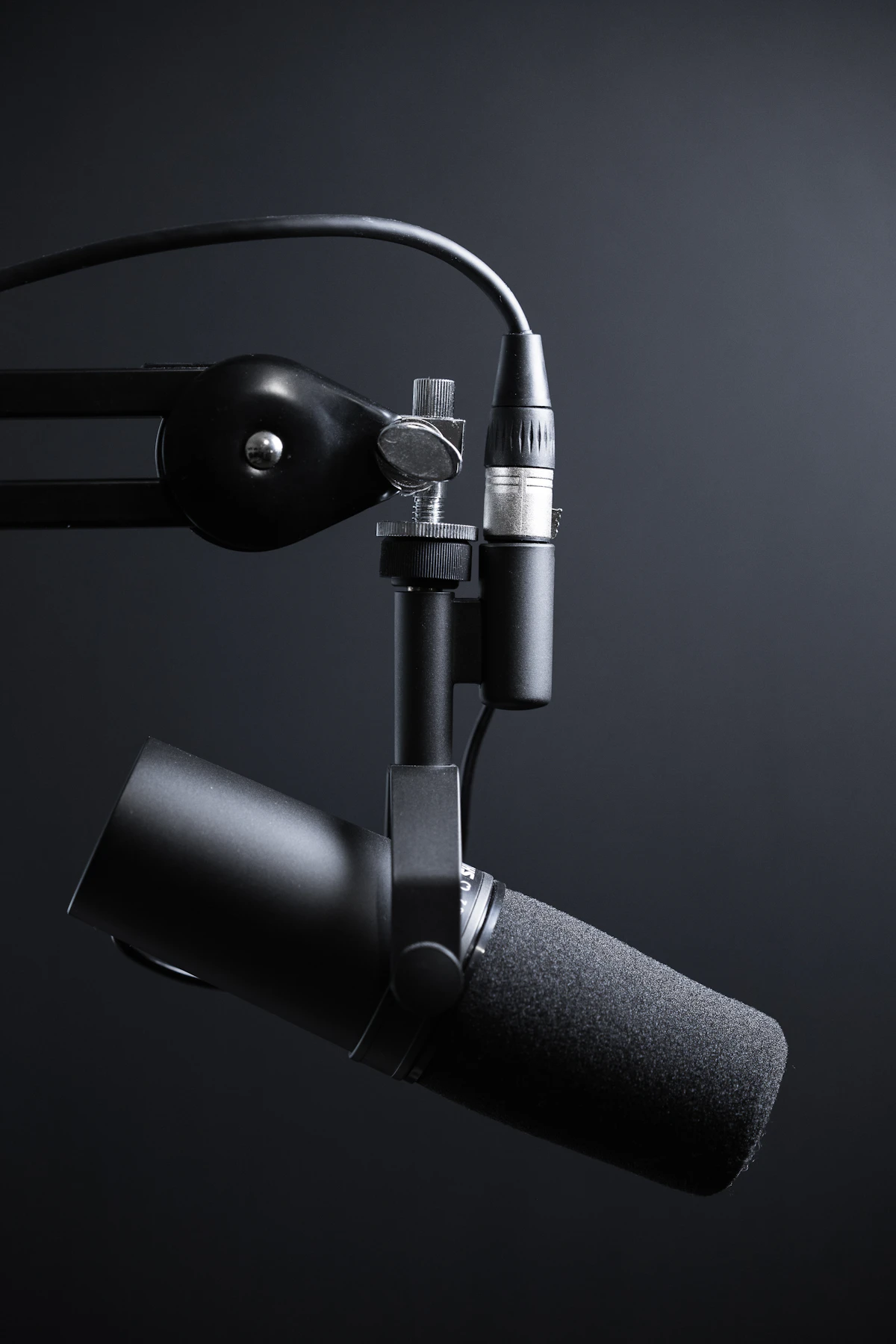
A shock mount decouples the mic from keyboard thumps and desk hits. A pop filter removes plosives (P and B sounds). A boom arm lets you position the mic correctly — close to your mouth, off-camera, at a 15-degree angle.
Our recommendation: start with the StreamMic Mini for $149. Upgrade to the StreamMic Pro X if you produce podcast content, want XLR upgrade path, or need 32-bit float for post-production.

